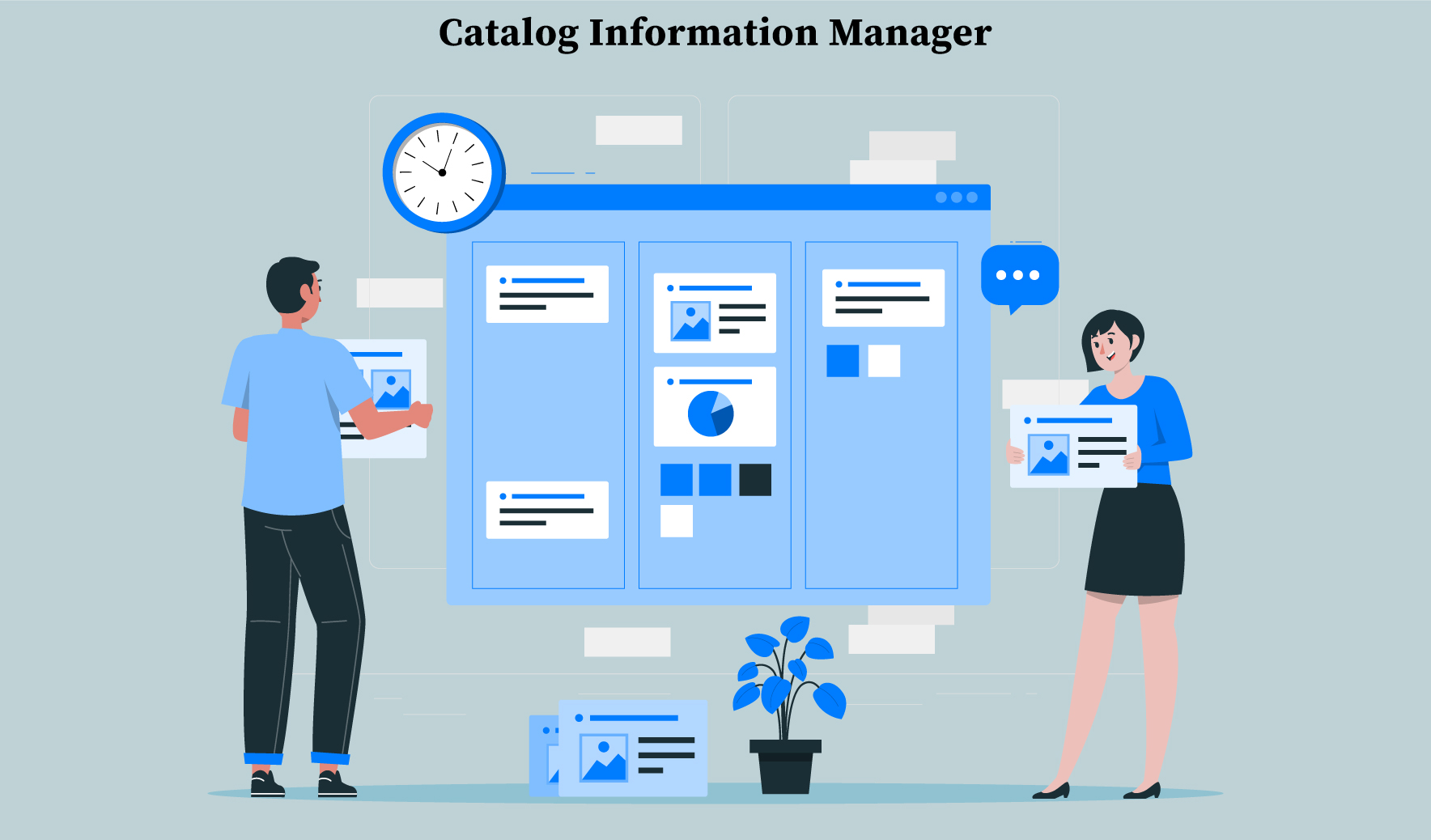
With a CMS, you can choose the content and layout for your website regardless of the programming, whether you're developing an eCommerce site, a blog, or a corporate website.
How do you choose the most suitable CMS? Well, that depends on your organization. Consider your current digital maturity when selecting a CMS. Several hundred content management systems are available on the market today, offering different features that can be tailored to meet different business needs. When selecting a CMS for your business, ensure its features meet your requirements.
Let's say your content needs to be optimized for search engines. If so, consider using a platform that has built-in SEO tools. You can get SEO advice right when creating blog posts or landing pages with such a CMS. Having determined the gap between where you are today and your future goals, examine the elements needed to bridge the gap. The complexity of your CMS will depend on how far across the model you plan to move.
Features of the CMS:
1. Content Creation Made Easier
CMS can be defined simply as a tool to modify and publish information on a website. You can include various marketing content in those assets such as downloadable resources (for example, ebooks, tools, reports, and so on), blog articles, and landing page content.
No matter the size of the number of your team members, the CMS you choose should have an easy-to-use backend interface that makes content creation accessible to non-technical users.
Tip: Search engine-friendly content can be published faster with a CMS that offers SEO features.
2. Seamless Content Creation Workflows
How many people work on the production of your content? Verify that your CMS can keep track of how your content is created and published, along with how it is promoted and attributed. Most enterprises employ many writers and editors spanning many departments.
Workflows can be customized and controlled in your CMS, facilitating communication and deadline compliance. With features such as dashboards and smart reporting tools, it's easy to monitor what content needs approval, according to the topic.
If you frequently need to update your content, find a CMS that offers powerful organizational features, such as linking, to make it easy to access and update. Larger enterprises that rely heavily on content-heavy marketing communications will find that managing the content creation process is a critical asset.
3. Role-Based Administration and User Permissions
Avoiding mistakes will be easier if you have access to the right features and content. This may be useful when the CMS is shared between multiple team members - which is common in large organizations that rely heavily on content marketing.
If this is the case, a CMS must be able to provide users with a customized user management interface in order to ensure a smooth experience. Pick a CMS that allows you to customize user management, as well as scalability.
The ability to manage access for groups of people instead of individuals is useful when your company grows. By doing so, you can work with groups rather than individuals.
Pre Installed roles of such CMS include:
- Content Admin: Has access to publish and edit all content, but not to modify content that is not part of the role.
- Editor User: Does not have access to publish content, but can edit all website content.
- Site Admin: Has access to edit or delete any content published on the site.
- Super Admin: Has access to edit all content and site configuration.
- SEO Admin: Has access to modify items that relate to SEO, Google Analytics, and Meta tags.
To learn more about CMS click here.
4. Highest Level of Security
One day you discover your data has been stolen after building personalized relationships with your customers and refining your digital strategy. By protecting your data as well as theirs, your customers will have more confidence in your products and services.
To reinforce privacy and limit access to confidential information, some CMSs have built-in authentication tools. Ensure your CMS is well integrated with your organization's authentication systems or security provider.
There are more and more high-profile cyber attacks nowadays, and the threat will only grow with the digitalization of the world.
The security of your business will safeguard your reputation from the damaging effects that a breach in security may have. Choose a CMS that offers all the latest and most advanced security features necessary to build a business-grade website.
5. Scalability Across Multiple Channels
The process of delivering information across multiple channels, applications, and interfaces can be quite challenging without an integrated CMS that simplifies it.
It is possible to separate content from its presentation with a headless CMS. Creating content once, then deploying it across devices and channels is easy.
With certain CMSs, all you have to do is create your content once, and it can then be distributed anywhere. There are other systems that allow you to easily add new channels and upload your content. Considering multichannel scalability features is a smart move if you want to reach your customers across multiple digital channels.
6. Content that is Multilingual
As part of the goal of personalization, tailor your message to your audience so that it speaks their language.
The next time you cater to an international audience, consider choosing a CMS that offers multilingual editing capabilities for translation. This is because you will have to publish marketing content customized per audience segment.
Therefore, it is necessary to build a website in multiple languages.
By implementing the latest technology, your marketing team is able to build multilingual websites directly within the same Drupal CMS. Translating each language and optimizing it for SEO can be done concurrently.
7. Performance, Scalability, and Flexibility
CMSs are long-term investments. Scalability is key when choosing a CMS, so make sure it does it enough. It is true that some CMSs are more flexible than others on the market. Because of the company's APIs, the integration of content across multiple platforms is facilitated.
CMSs are typically run on their own servers or in the cloud. Cloud-hosted CMSs such as CatalogsBuilder’s can accelerate the time it takes to launch as well as provide the flexibility that you would otherwise not have.
8. Integrated SEO tools
Google's constant algorithm updates can make it hard to stay on top of your search engine ranking. In order to enhance your content's chances of ranking higher, it is advisable to use a CMS that has SEO tools built-in.
Drupal websites have consistently performed better in on-site SEO because their technology prioritizes the user experience over all else. Although, there are plenty of other CMS as well that work equally well with content SEO, real-time SEO analysis, automatic generation of search engine-friendly URLs, etc.
The proper use of page titles and alt tags will ultimately prevent duplication of content. This however will help the content to integrate seamlessly with popular SEO tools such as Google Search Console, Google Analytics, etc.
9. An Analytics-driven Approach to Personalization
Digital marketing is all about creating relevant, personalized experiences that customers can engage with, regardless of their preferred method to do so. It is essential to have a CMS capable of collecting and analyzing real-time interactions, allowing you to discover where your users are during the buying process. Your content will then be tailored to their specific needs based on the information you've collected.
Additionally, you should ensure that your customers' overall experience is recorded throughout the channels. Having a CMS that's part of a broader, integrated platform is a good idea and feasible in this context.
10. Scalability across Multiple Websites
There are a lot of domains and microsites that are devoted to a particular product or audience in major enterprises.
It is possible to manage multiple websites with CMSs in a variety of ways, starting with the simplest similar-looking websites with slight differences between them, all the way up to completely different websites from one another without knowing they use the same system.
This allows you to expand and scale your digital presence as your business grows. It is possible to connect all those sites seamlessly - exchanging best practices, security, and user experience features.
Conclusion: The Importance of CMS Architecture:
In general, there are three types of content management systems (CMSs): traditional, decoupled, or headless. A lot depends on the complexity of the online presence of your business when it comes to choosing an architecture. You may also find it difficult to communicate with editors and developers. This is due to the fact that you are limited in terms of which channels your content can be sent to. In addition, you are limited in terms of how easily you can switch it between channels.
Understanding the differences between CMSs will help you better serve your customers. Read this article to learn more: What are the different types of content management systems (CMS)?
My assumption is that you now understand the CMS Full Form after reviewing the content I provided on this topic. Your understanding of other concepts related to it is also excellent.
You can contact us if you're not sure if the tools will work with your CMS, but have selected it and are looking for tools to integrate with it.





0 Comments